Mail administrators
Topology, backup and restore, user lifecycle, queues, lockouts, branding. They practise a restore in the lab before they touch live mail.
Handover
Classroom before handover. As-built drawings and manuals with the keys.
Who sits in the room
We do not leave you with a slide deck and a handshake. Classroom first — named mail administrators and named collaboration administrators, attendance signed. Then guides for everyone else: webmail, Outlook, the phone, schedule and join Zoom.
At the door: as-built drawings, licence certificates, admin access, the support start date. Keys, not a promise to send them later.
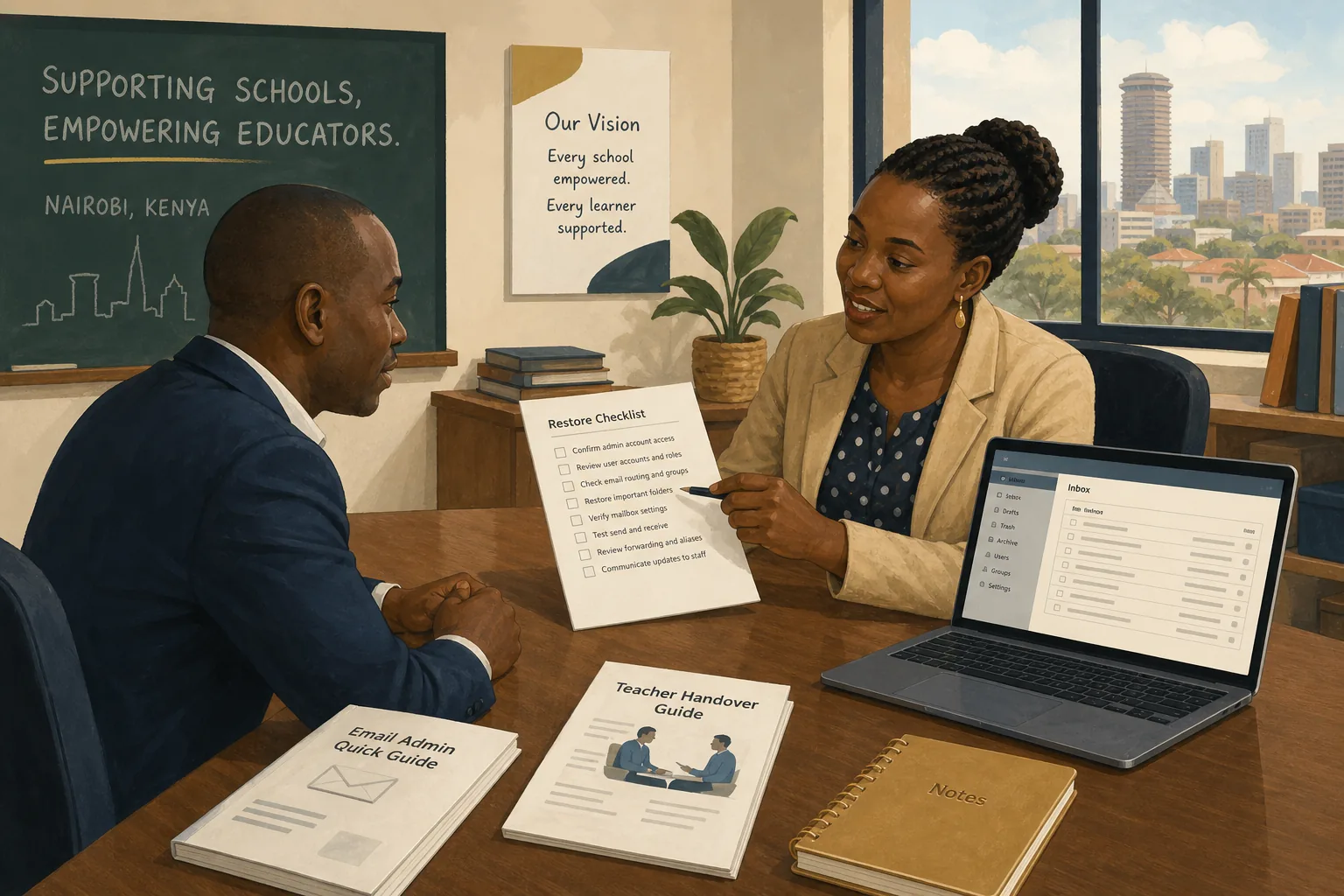
Topology, backup and restore, user lifecycle, queues, lockouts, branding. They practise a restore in the lab before they touch live mail.
Admin pages, company login, licences, webinars, recording retention, privacy settings. When end-to-end is on, they know what falls away.
Webmail, Outlook, mobile, schedule and join Zoom — via guides, not a second classroom for the whole floor.
Done means
Training is not complete because a room was booked. It is complete when named people can restore a mailbox, disable a leaver in both products, and join a meeting they created themselves. That is the same list we use at handover.
Your servers, the cloud, or both. We install, move people across, and stay on the night phone.
Talk to us