On your servers
Mail, web and directory in your data centre. Space, power and cooling stay with you. The machines, if you need them, come with the job — unless you already have mail-class kit in writing.
Mail we run
You choose. Mail that stays in your data centre, or mail we host. Support from the software maker, billed yearly, on either path.
A Monday in mail
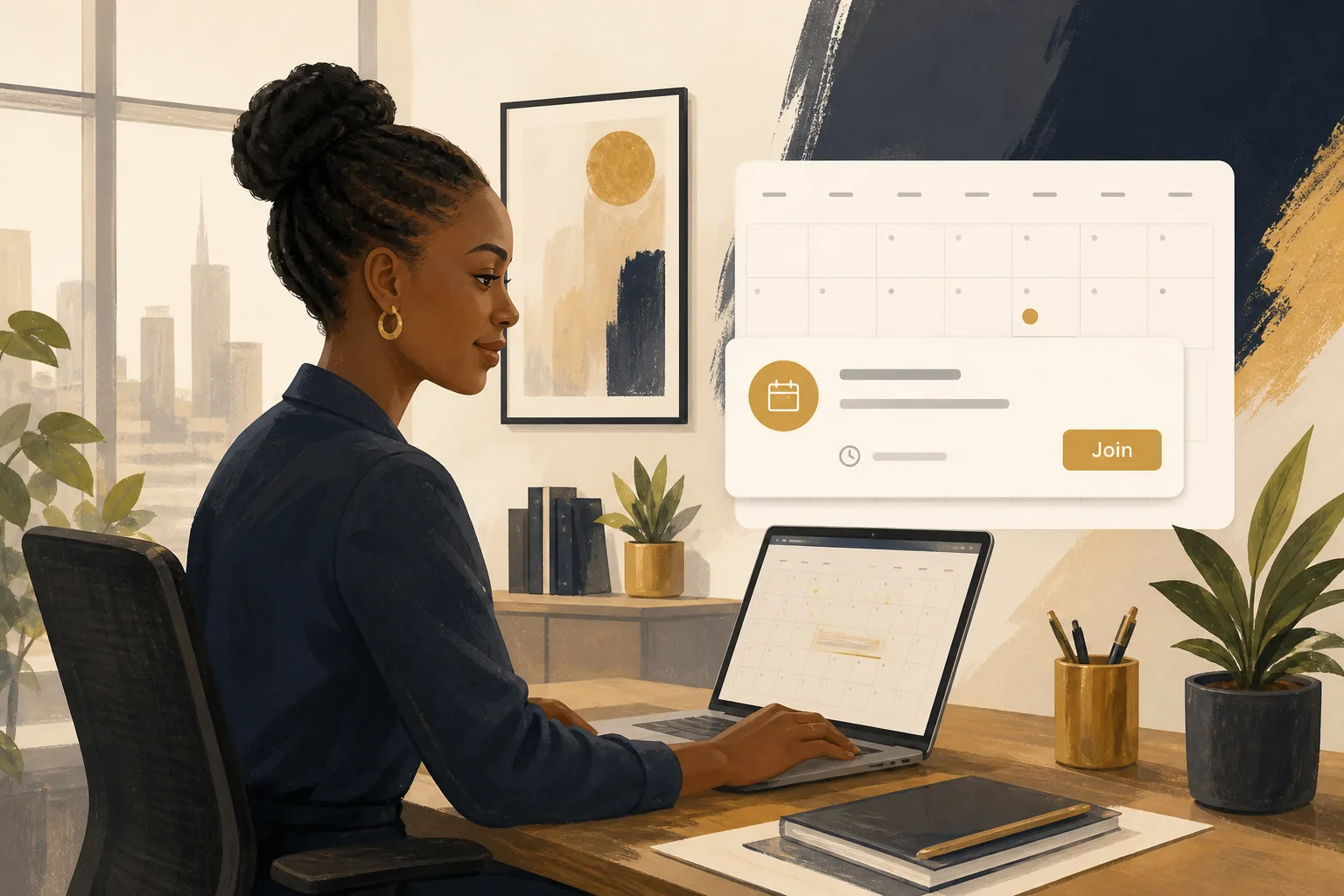
Someone opens Outlook on the desk. Someone else is on the road, on a phone. A third person is in a county office on branded webmail. They are looking at the same mailbox. Calendar, contacts, tasks and files travel with the account, not with the device.
That is the job. Not a new way of writing mail. Not a second address book. Mail that staff already know how to use, sitting where you said it should sit.
Where it lives
Some organisations want the mailbox in their own building, on machines they can walk up to. Others want us to host it in the cloud, in a region they pick. Both paths get the same diary, the same login, and a restore we prove before we leave.
A single data centre is enough. We do not invent a second site you do not have. If you already have another site, we put a warm copy there, sized the same, with its own incoming mail.

Mail, web and directory in your data centre. Space, power and cooling stay with you. The machines, if you need them, come with the job — unless you already have mail-class kit in writing.
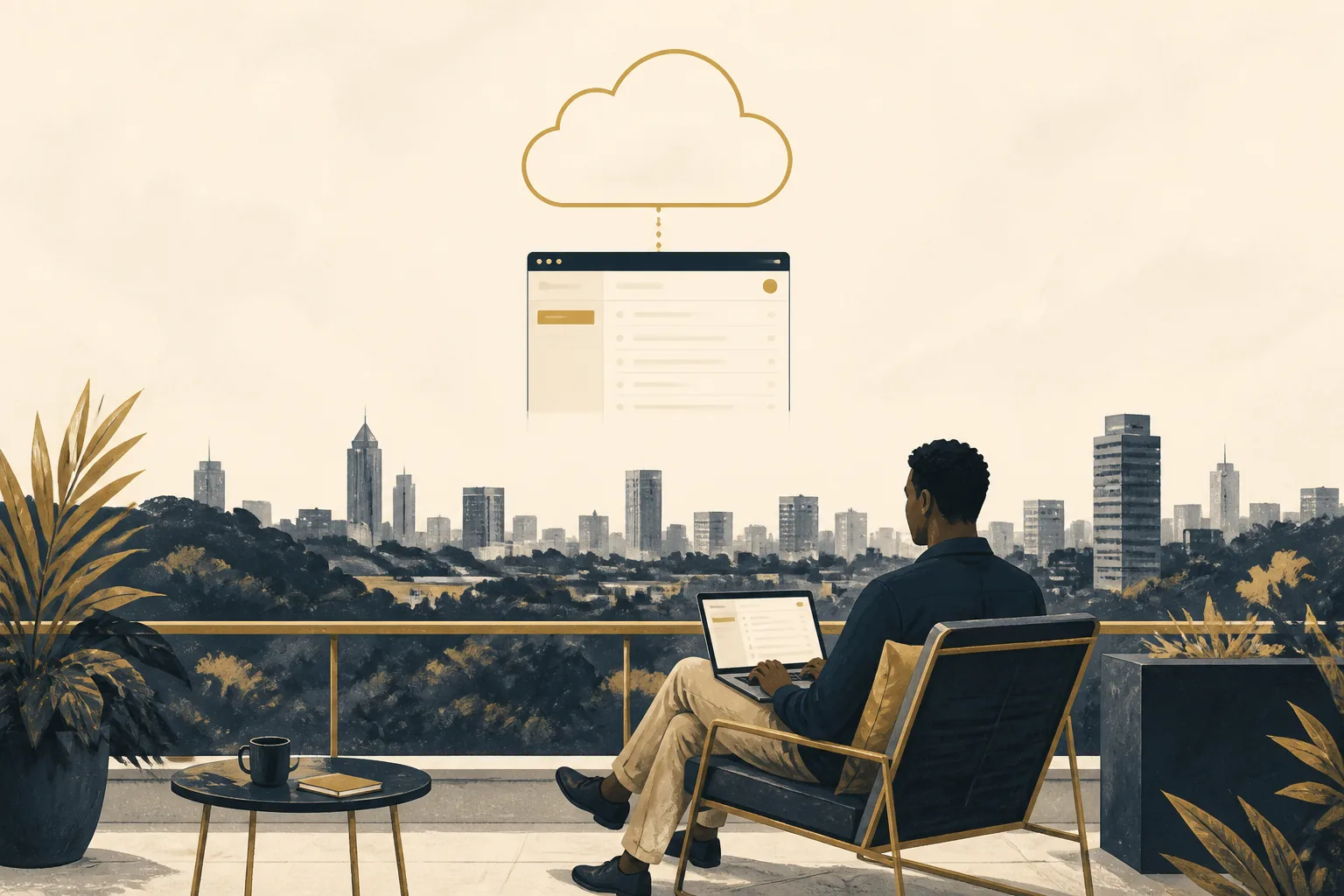
Mailboxes in the region you pick. We set it up, put your name on the landing page, and hand the admin pages to your people. No local store unless you also want one.
How staff work
Shared mailboxes, aliases, and the public-looking addresses people already use stay in the design. What does not come across unless you list it: old archives, loose PST files, public folders from a previous system.
Calendar, contacts, tasks and files travel with the account. Branding on the web login is yours.
Archive and legal hold sit in the licence. Signed and encrypted mail where you issue certificates. Two-factor on webmail and on the admin pages.
TLS on the web and on SMTP. SPF, DKIM and DMARC published before we cut over. Hosts only expose what mail needs.
On-site jobs get a copy at the next site. Cloud jobs use the maker’s published redundancy. Backups run daily; we prove a restore.
If you already have another site
Recovery is agreed and proved before handover — not left as a diagram. The link between sites stays with you. We do not supply that circuit.
Questions we hear
No. Cloud mail does not need a local store. Servers come with an on-site job, unless you already have the machines in writing.
Yes. One site is a complete job. A second site is a later conversation, sized the same, with its own incoming mail.
Yes. Outlook on the desk, mail on the phone, branded webmail in the browser. Same account.
Live mailboxes move. Archives, PST files and public folders stay out until you list them. We prove a restore before we leave.
Your servers, the cloud, or both. We install, move people across, and stay on the night phone.
Talk to us